Travel Watch · A 3Brains app

You plan the trip months ahead.
Then the world changes.

Travel Watch keeps an eye on the places you're going — State Department advisories, regional incidents, health alerts, weather emergencies — and tells you when something does. So you know before you go, instead of finding out at the gate.

Watch your destination before you travel.

Travel Watch — Sign in

— 01

How it works.

i.

Find your destination.

Enter a city, region, or country. Set a radius — 25, 50, 100 miles — and we'll watch everything inside it.

ii.

Add it to your watchlist.

Watch one trip, or several if you travel often. Each destination gets watched independently, with its own radius.

iii.

We alert you.

State Department advisories, regional incidents, health alerts, weather emergencies — if it affects your destination, we'll tell you about it.

— 02

A quick tour.

Travel Watch pulls from State Department travel advisories, CDC health notices, public emergency feeds, and regional news sources — and surfaces the things that actually affect your trip. No marketing emails. No upsells. Just changes worth knowing about.

Travel Watch — Your Watchlist
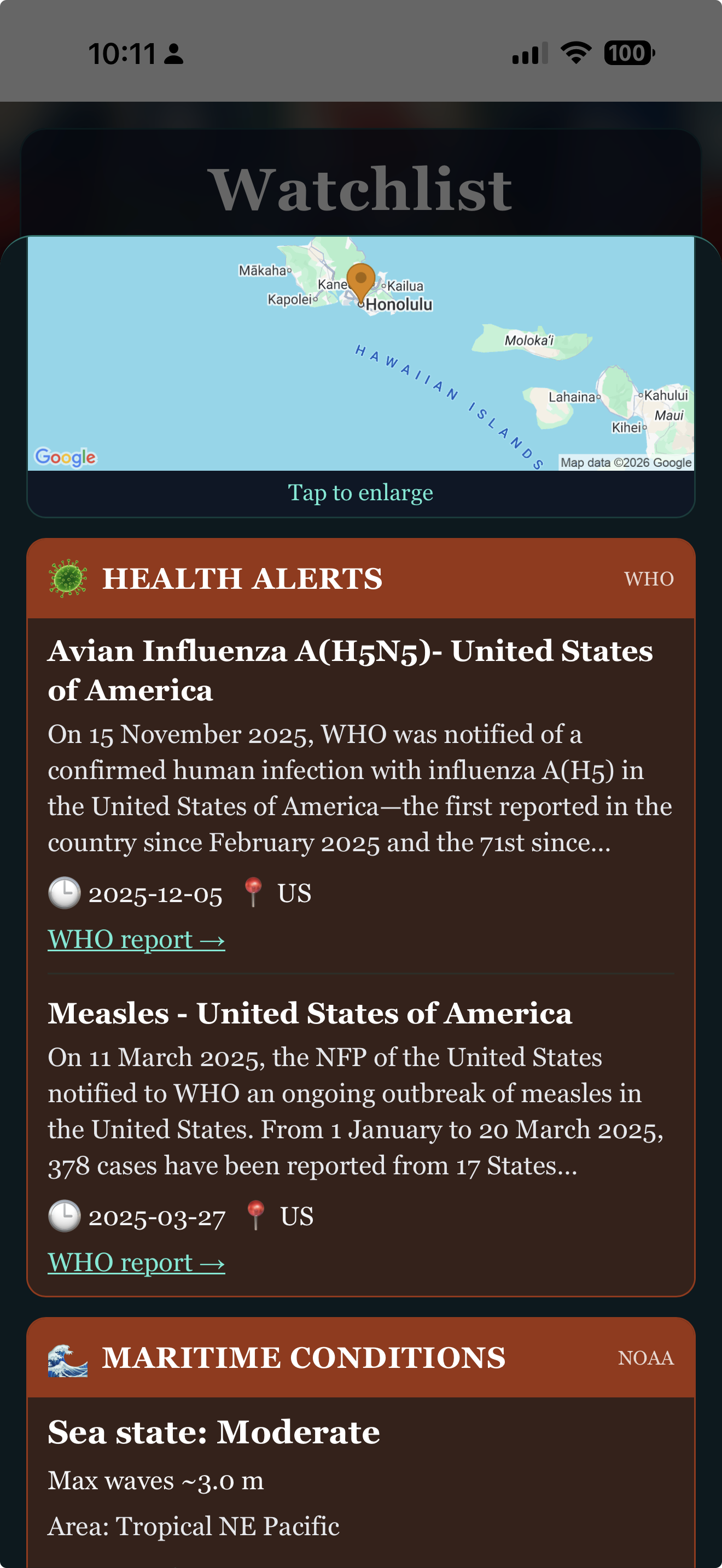
Your watchlist

Watch the places that matter to you.

Your upcoming trip. The city your daughter just moved to. The country you're thinking about for next summer. Each destination is watched independently, with its own radius. Tap any place for the latest.

Travel Watch — My Places
My Places

Saved destinations, at a glance.

Once you've added a destination to your watchlist, it shows up in My Places with its region and status. Tap any one for the latest alerts, or remove it any time.

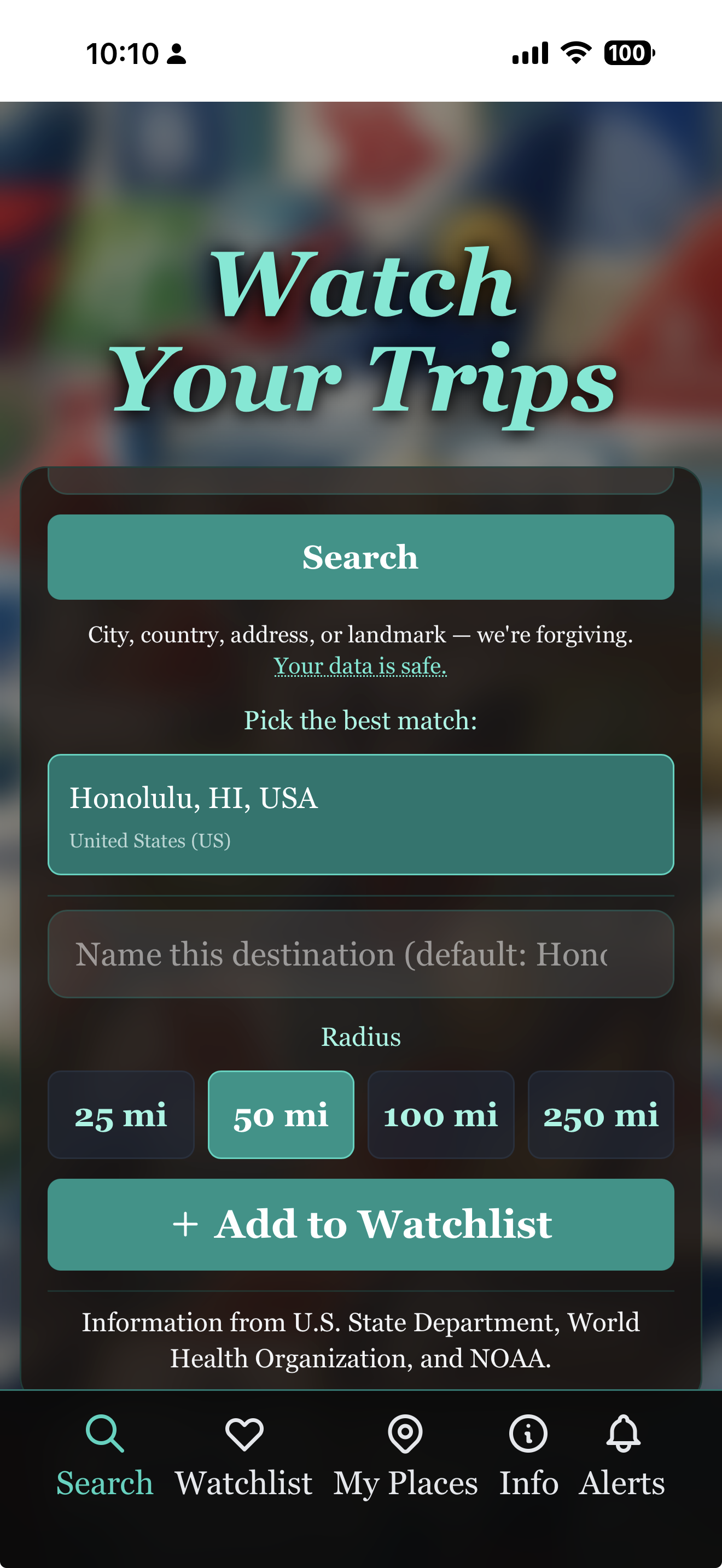
Travel Watch — Search radius
Search radius

As tight or as wide as you want.

Set a radius around each destination — 25 miles for a single city, 100 for a region. Travel Watch only surfaces alerts inside that radius. The signal you care about, without the noise from a thousand miles away.

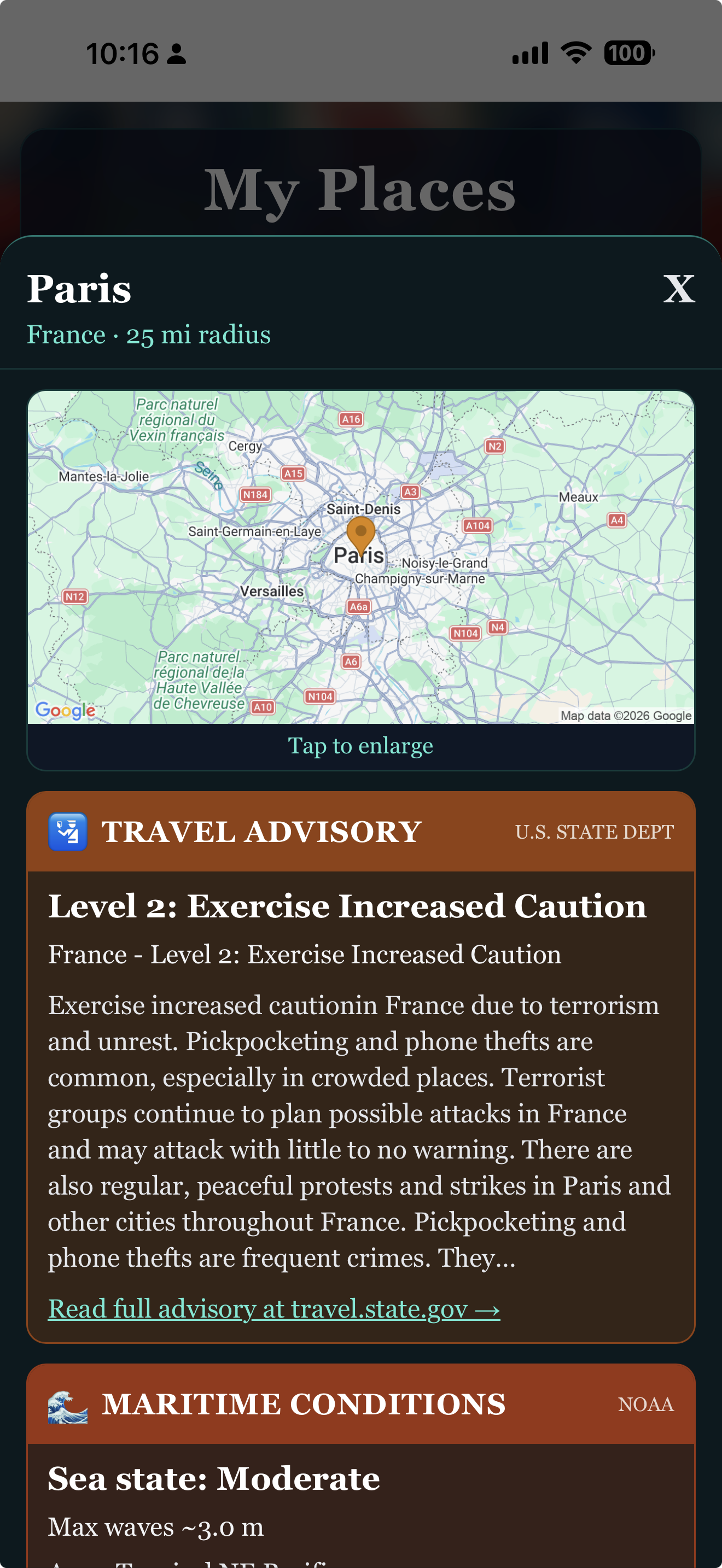
Travel Watch — Destination detail
Destination detail

The full picture, in plain language.

Tap a destination and see exactly what's going on — the State Department's risk level, plus reasons (crime, civil unrest, health), regional incidents, and health notices. The information you need to make a call, presented without jargon.

— 03

Put Travel Watch on your phone.

Or just try it now — open it in your browser:

Open Travel Watch

Travel Watch is a web app — it installs in one tap, with no app store needed. Once installed, it has its own icon on your home screen and runs full-screen, just like any other app.

iPhone & iPad Safari

  1. Open travelwatch.app in Safari (not Chrome — Apple only allows installs from Safari).
  2. Tap the Share button — the square with an arrow pointing up — at the bottom of the screen.
  3. Scroll down in the share menu and tap Add to Home Screen.
  4. Tap Add in the top-right corner. That's it.

The Travel Watch icon will appear on your home screen next to your other apps. Tap it any time to launch.

Android Chrome

  1. Open travelwatch.app in Chrome.
  2. Tap the three-dot menu in the top-right corner.
  3. Tap Install app — or Add to Home Screen, depending on your version of Chrome.
  4. Tap Install. That's it.

Some versions of Chrome show an automatic install banner at the bottom of the page — you can use that instead if you'd like.

Already on your phone? Just open it.

Open Travel Watch
— 04

A few honest questions.

Which destinations are covered?
Any place. Cities, regions, and countries worldwide — anywhere the State Department issues travel advisories or public emergency feeds report. If you can put a pin on a map, we can watch it.
Where does the data come from?
Travel Watch pulls from State Department travel advisories, CDC health notices, public emergency feeds, and regional news sources. We surface the changes that actually affect your trip — not marketing emails or upsells.
Will I find out before the news cycle?
Often, yes — especially for State Department advisories and regional incidents that hit public sources before the major news outlets pick them up. We can't promise it every time, but that's the goal.
Does it cost anything?
No. Travel Watch is free. There are no ads and no subscriptions on the core experience.
Can I watch a trip that's a year away?
Yes. Add the destination now and Travel Watch will keep an eye on it through your travel date. Many of the most useful alerts happen weeks or months in advance — advisory upgrades, regional unrest, health outbreaks — so the earlier you start watching, the better.
Can I delete my watchlist or my account?
Yes — any time, from inside the app. We don't make it hard.
— 05

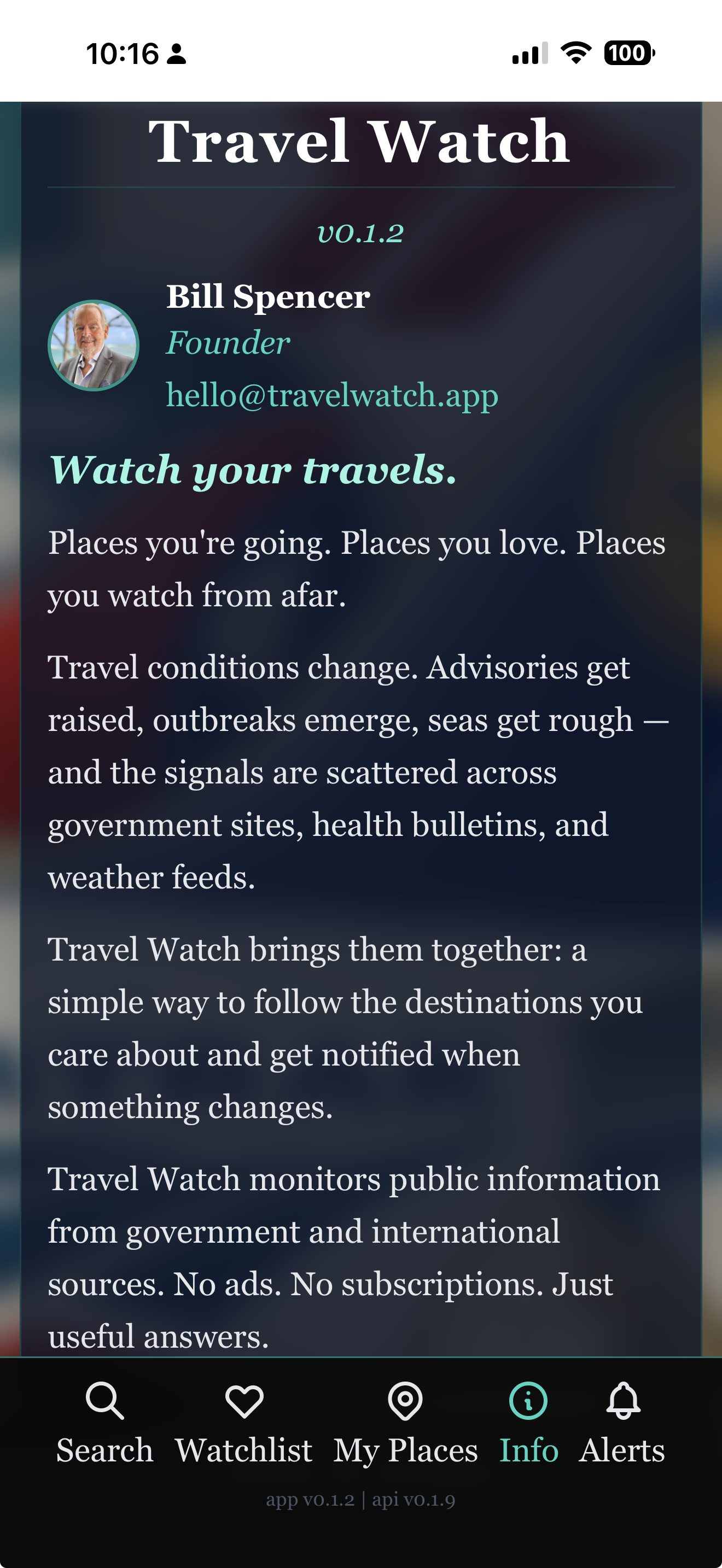
Other 3Brains apps. Same idea, different things to watch.

3Brains is a small platform of watch apps. Once you know one, you know them all — add what you care about, and we'll alert you when something changes.